
A useful WhatsApp form asks only relevant questions, keeps related fields together, explains restrictions before submission and tells the customer exactly what each button will do.
Separate decisions from personal details
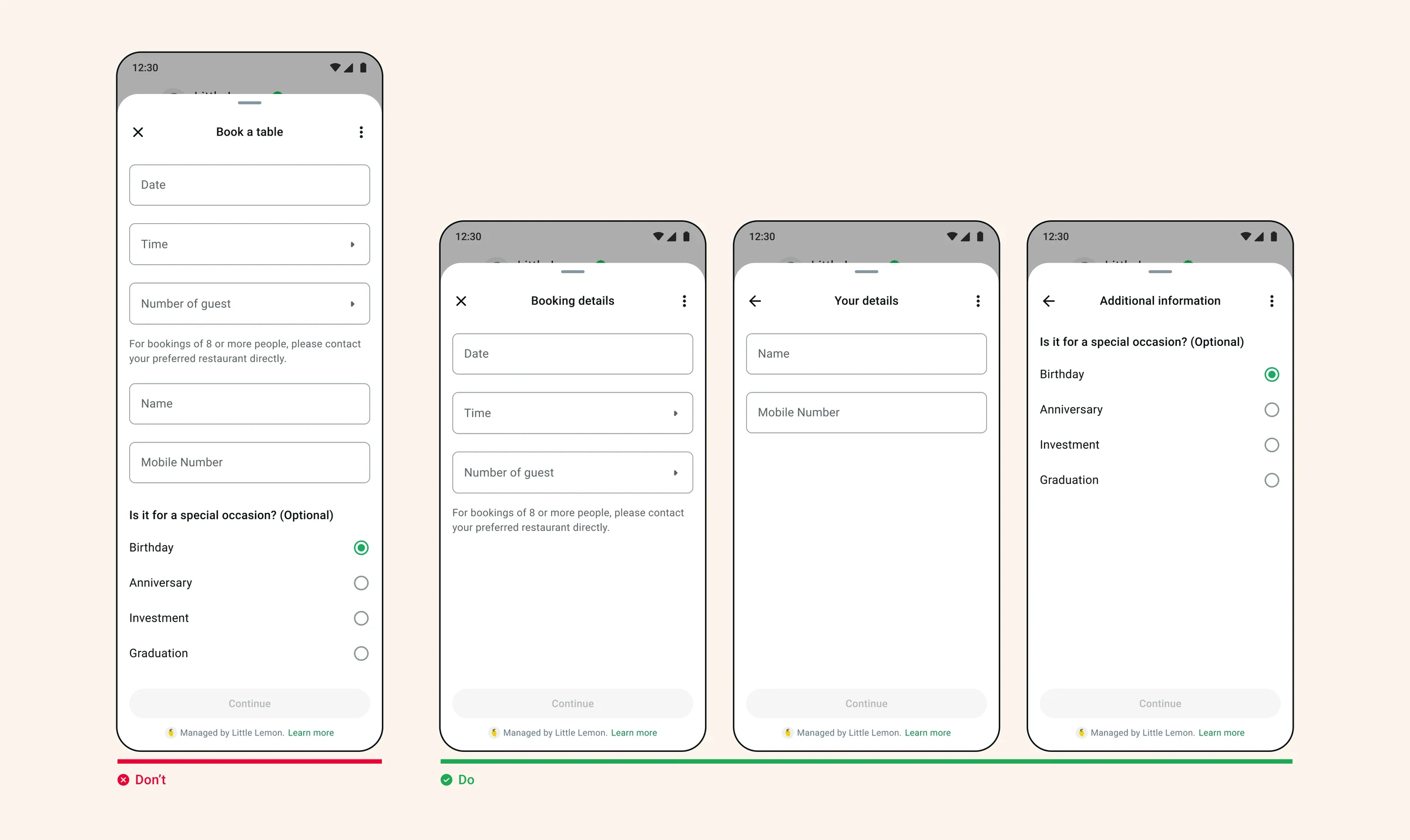
A long screen can make a small task feel demanding. In the booking example, choosing a date and time is separated from contact details and an optional occasion. Each screen has a clear purpose.
Do not split every field into its own screen either. Count the taps needed to finish and remove questions that the receiving team will not use. Test whether optional questions can be skipped without blocking the main task.
Match the input to the answer
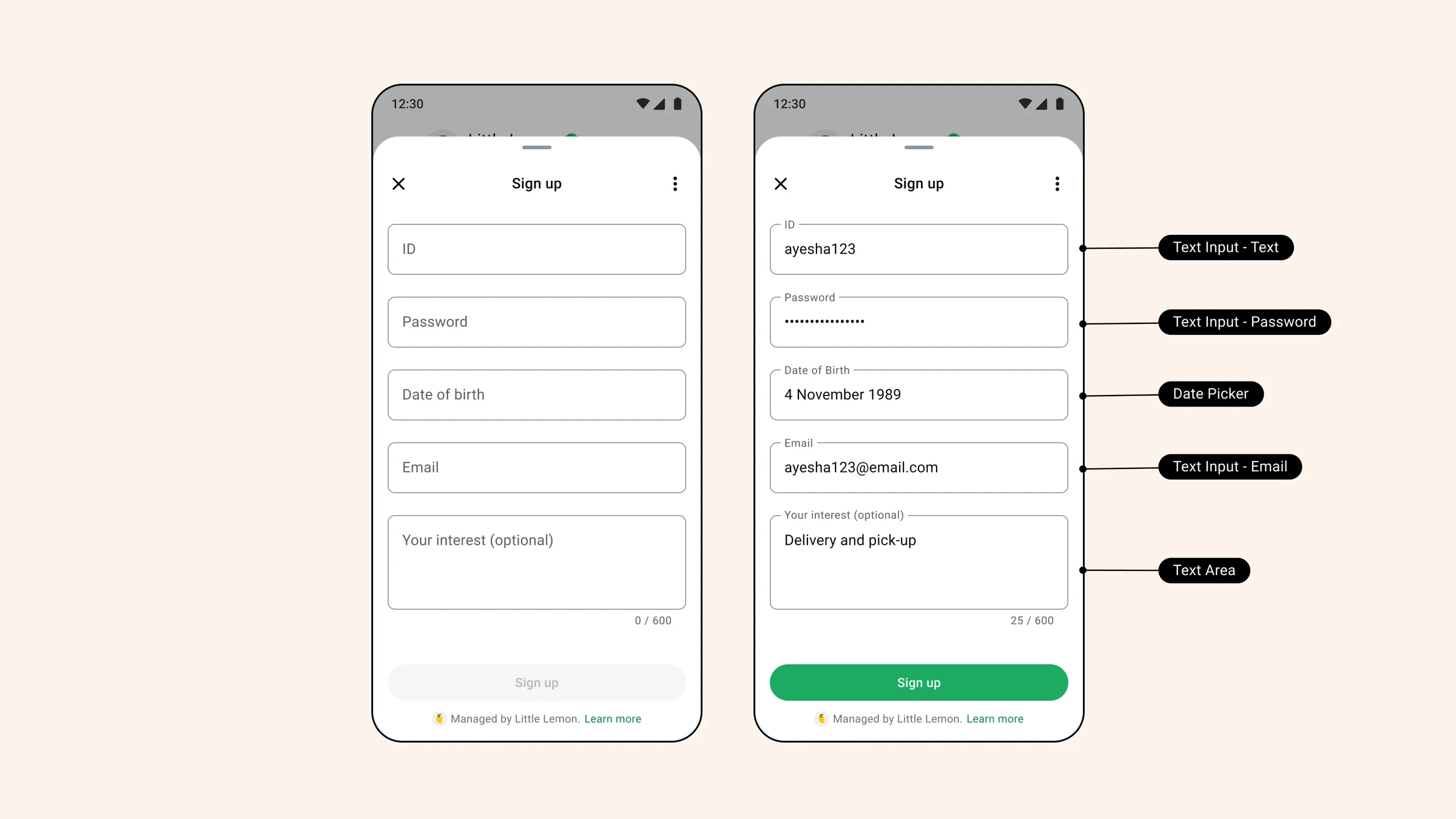
Use a choice control for a small known set of answers and a free-text field when the customer genuinely needs to explain something. Keep the label visible after entry so the answer still has context.
The supplied component illustration includes fields that should not be copied automatically. For a normal sales enquiry, do not request passwords or dates of birth. Choose only components your current builder supports and collect only what the task needs.
Use an action, not a vague completion label
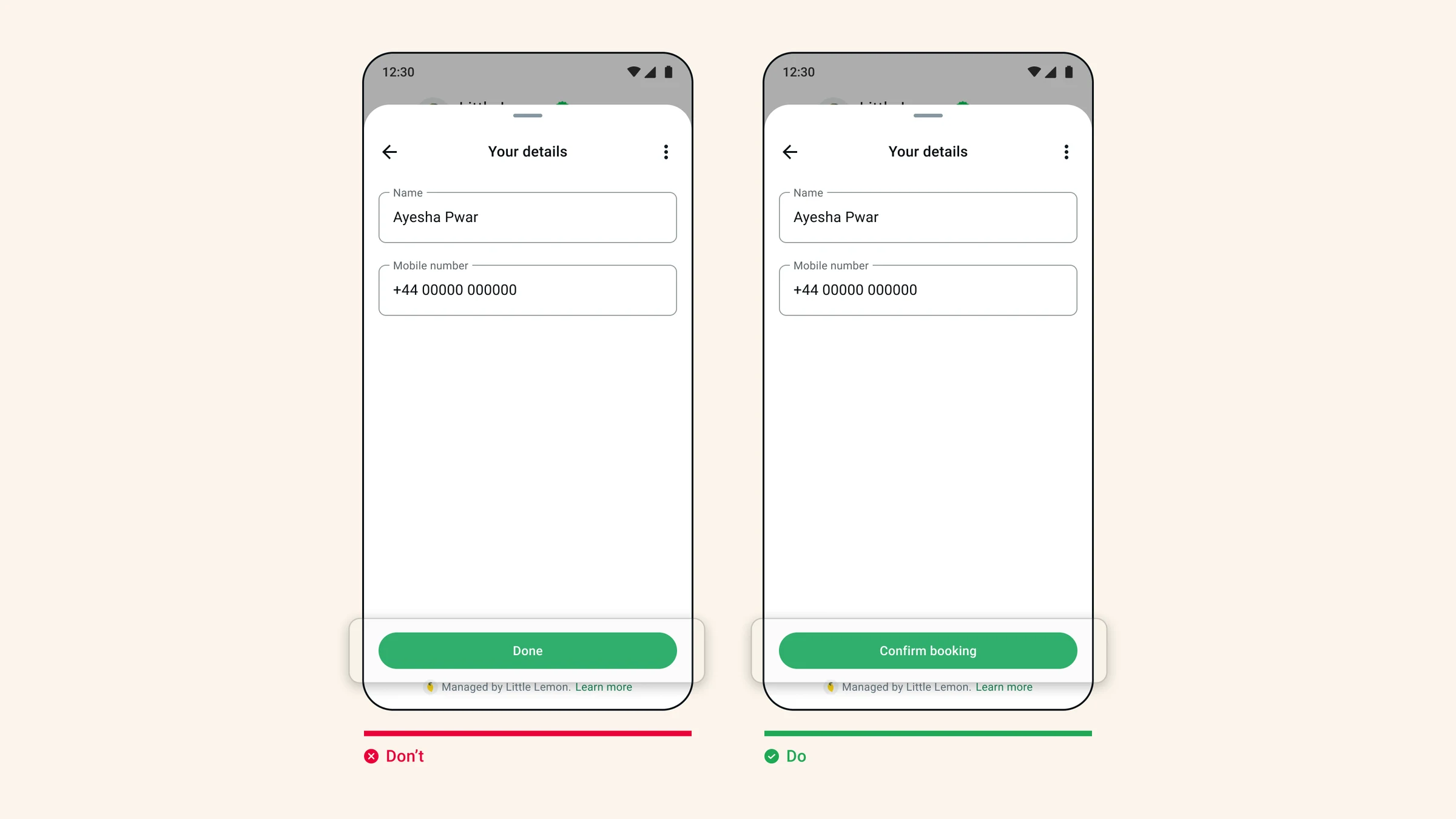
A final button labeled Confirm booking tells the user more than Done. If your backend only records a request, use Request booking instead: the wording must not imply a reservation that has not happened.
Check the result screen and the agent's follow-up against the button promise. An interrupted request must not show a success message simply because the form closed.
Keep labels easy to scan
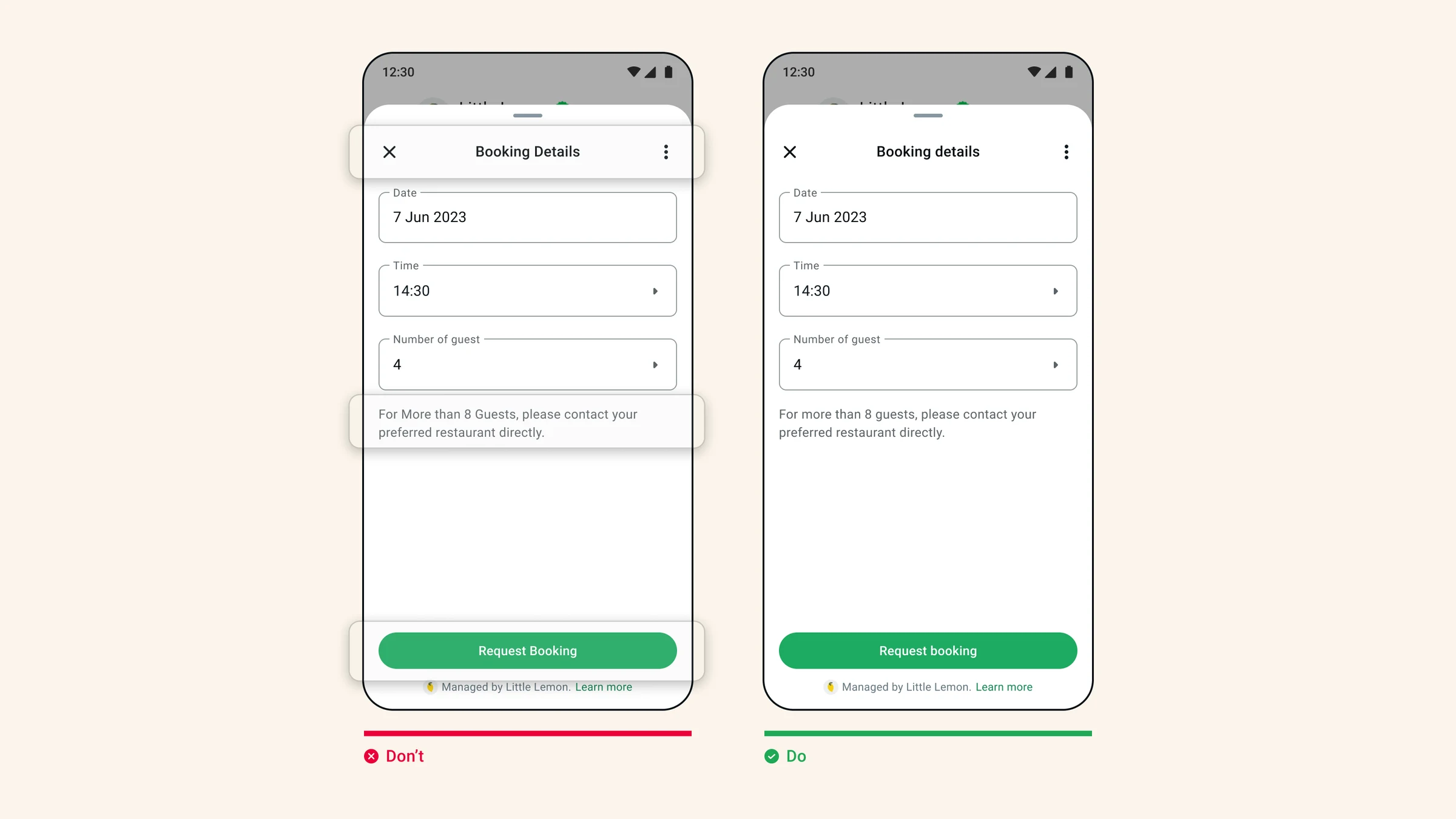
Use sentence case for field labels and action text. Keep business names and established acronyms intact. In a navigation menu, use consistently named destinations rather than exposing lower-case route slugs.
Review the screen on a small phone. A label that looks short in a desktop preview can wrap or lose context on mobile. Read helper text aloud and remove repeated words.
Frequently asked questions
How many questions should a WhatsApp form contain?
There is no universal ideal number. Ask only what the task and the receiving team need, and test the number of screens and taps on a phone.
Should the final action say Confirm or Request?
Use Confirm only when the receiving system confirms the result. Use Request when a team or system must still review or accept it.
Sources and scope
Prepared with AI assistance using the product implementation, linked references and supplied illustrations. Interface details and platform requirements can change. Examples are not customer case studies or proof of availability in every workspace. Confirm the current interface and account permissions before making production changes.